
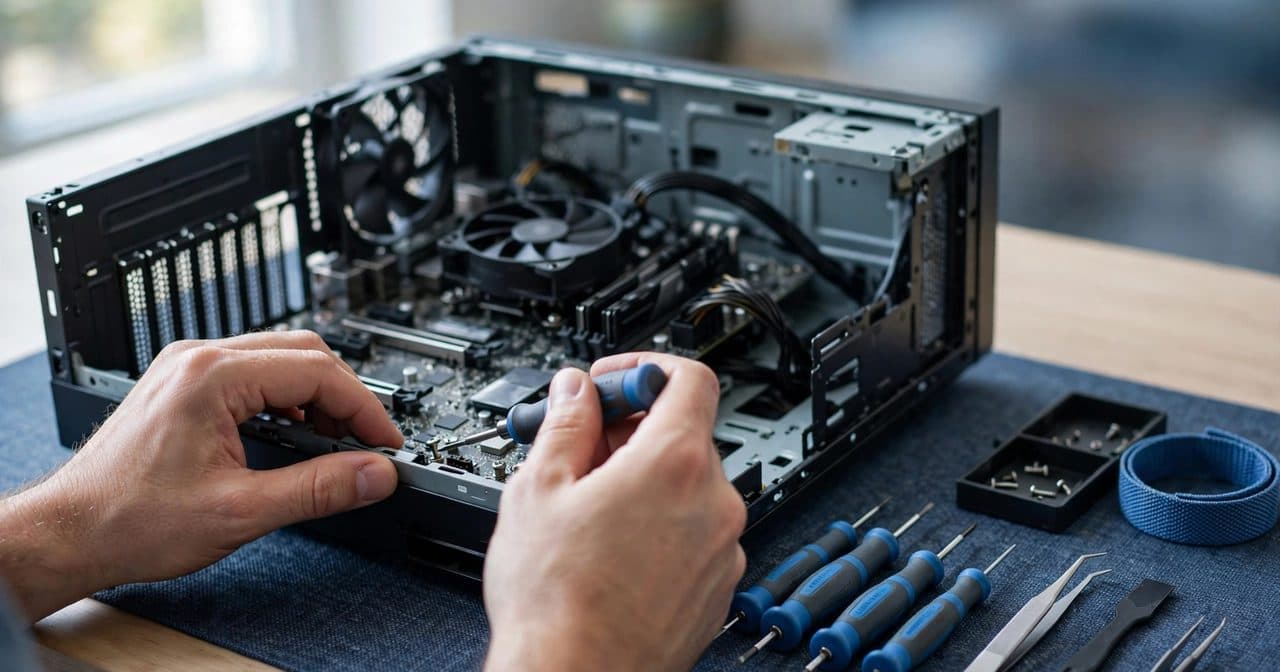
Ten years of going into people's homes to fix computers taught me something that still surprises customers: the problems are not varied. The same ten faults account for most of what I see across Thousand Oaks and the Conejo Valley, week after week.
So we wrote them down. All ten, with the steps we would genuinely try first — and it is free to download. No email, no sign-up, nothing to fill in.
The ten
Every chapter follows the same four steps: the symptoms, what to try first, stop here if..., and when to call a technician.
The part I would read first
Not the fixes — the "stop here if" boxes.
In this trade, the damage I see is often not the original fault. It is what happened afterwards: the drive that was clicking and kept being used until the photos were gone; the laptop with a swollen battery that got pressed back flat; the machine that smelled hot and got plugged in one more time, just to check.
So every chapter says plainly where to put the screwdriver down. A swollen battery is a fire risk, not an inconvenience. A clicking hard drive is a countdown. Blue screens that appear before Windows even loads are not something you can click your way out of.
Five rules that apply to all ten
What is deliberately not in it
No registry cleaners. No "PC optimizer". No driver-download sites. Those are how a slow computer becomes an infected computer, and we get called to clean up after them more often than we get called about whatever the original problem was.
There is also nothing that involves opening a laptop or handling parts inside the case. Not because you could not learn — because static damage is silent and expensive, and talking someone through it in a PDF is not a fair thing to do.
Why we give it away
Two honest reasons.
The first: a good share of what we get called about is a five minute fix. Charging for that, when the person could have done it themselves in the time it took us to park, is not how you build anything lasting in a town this size. People talk here, and they should.
The second: whoever sorts out their own startup programs today is whoever calls us when the drive finally fails — because we were the ones who told them how. We would rather be that than the shop that keeps the explanation to itself.
If you get stuck
We come to your home: Thousand Oaks, Conejo Valley and nearby. Most repairs finish the same day, every service carries a 60-day warranty, and if your computer is genuinely not worth fixing we will say so instead of selling you a repair.
Call or text (805) 750-3255. Send a photo of the error message if you have one — it often saves the first half of the visit.
The download button is at the top and the bottom of this page. Pass the guide on to a neighbor who needs it.