
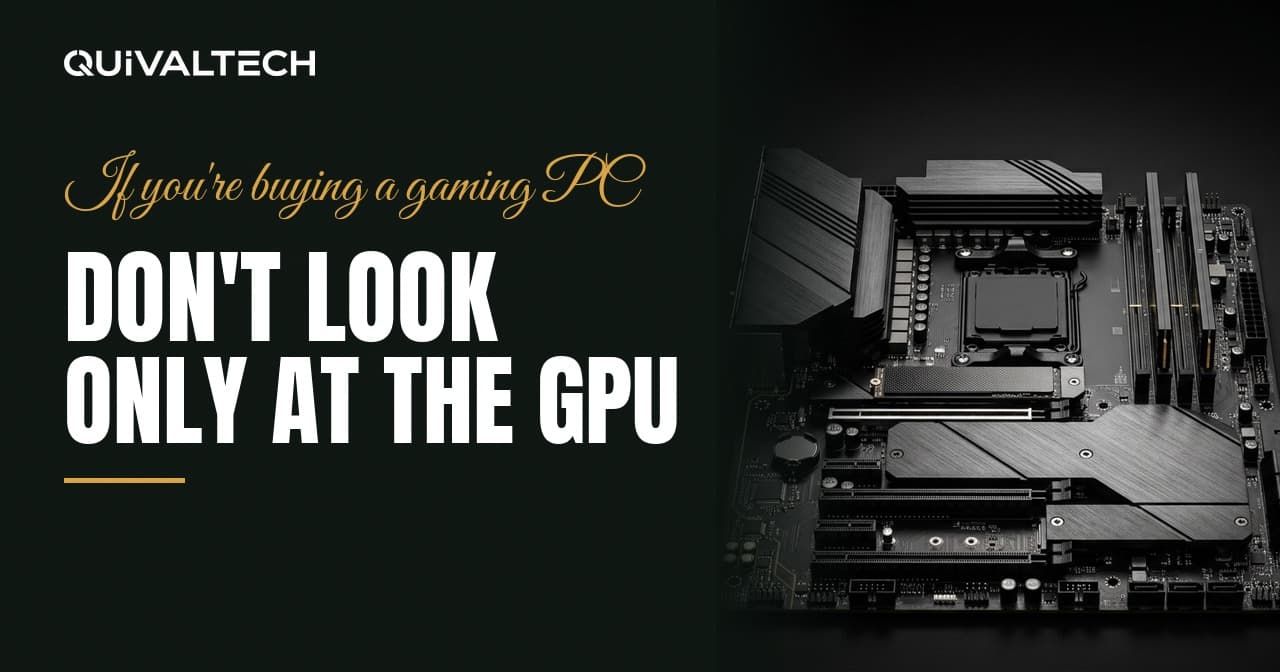
The graphics card is the part with the memorable name, so it's the part that gets advertised. It is also, on its own, a poor predictor of how a machine will actually perform.
Two PCs can list the same GPU, cost within $50 of each other, and deliver noticeably different experiences. Here's where that difference lives.
The five questions
Which CPU?
At lower resolutions and higher frame rates, the processor often decides your ceiling. A strong graphics card behind a weak CPU at 1080p will lose to cheaper, better-matched systems.
Look at core count, generation, and whether the cooler supplied can actually keep it at full clocks.
Which motherboard?
The board determines how much power the CPU can sustain, what memory speeds are supported, how many storage slots you get, and whether you can upgrade later without replacing everything.
Budget boards paired with high-end processors is a common way to cut cost invisibly: the spec sheet lists the expensive CPU, and the board quietly limits it.
Which RAM, in which configuration?
Not just capacity — the number of sticks, the slots they're in, and whether the rated speed profile is enabled. Two sticks in the correct slots with the profile on can be meaningfully faster than one big stick left at default.
Which SSD?
Capacity and type. A 512 GB drive fills up fast with modern games — several of which are 100 GB or more on their own — and a drive that's nearly full gets slower and causes stutter.
Which power supply?
Model and tier, not just wattage. This part feeds everything else. A cheap unit under sustained load causes instability that presents as a dozen unrelated problems, and a bad failure can take other components with it.
The things that don't appear on any spec sheet
Case airflow. Air has to come in, cross the hot parts and leave. A case with restricted front intake will throttle the hardware inside it regardless of what that hardware cost. This is probably the most underestimated variable in prebuilt machines.
Cooler mounting. An unevenly mounted cooler or a poor paste application can cost you 10-15 °C, which the CPU converts directly into lower clock speeds.
Cable routing. Not cosmetic. Cables draped across the front intake choke the airflow the case was designed around.
BIOS configuration. Memory profile enabled, fan curves set sensibly, power limits configured correctly. Free performance, frequently skipped.
Upgrade headroom. Spare memory slots, spare M.2 slots, a power supply with room for a bigger card later. This decides whether your next upgrade costs $300 or $900.
Same GPU, different machine: a concrete example
Two systems, same graphics card, same price:
System A. Mid-range CPU, budget motherboard, one 16 GB memory stick, 500 GB drive, unbranded power supply, case with a solid front panel and one exhaust fan.
System B. Slightly cheaper GPU tier, better-matched CPU, two 16 GB sticks with the profile enabled, 1 TB drive, quality power supply, case with two intake fans and a mesh front.
System A has the better spec sheet. System B will feel faster in practice, run cooler, stay stable under load, and cost less to upgrade in two years.
How to compare two machines properly
1. Get the complete parts list, with exact model numbers.
2. Check whether the CPU matches the GPU for your target resolution.
3. Check memory: quantity, number of sticks, rated speed.
4. Check storage capacity and type.
5. Look up the power supply model, not just its wattage.
6. Look at the case: front panel, fan count, fan positions.
7. Ask what temperatures it reaches under sustained load.
If a seller can't or won't provide all of that, you've learned something worth knowing before you spend.
A gaming PC is a system, not a box with a GPU inside
Every part has a job, and the machine performs at the level of the weakest link for whatever you're asking it to do. The graphics card is usually the most expensive link. It is rarely the only one that matters.
We build to order in Thousand Oaks, and we're equally happy to look at a machine you're considering buying somewhere else. Send us the parts list — we'll go through it line by line and tell you what it will actually do, including when the answer is "that's a good deal, buy it."