
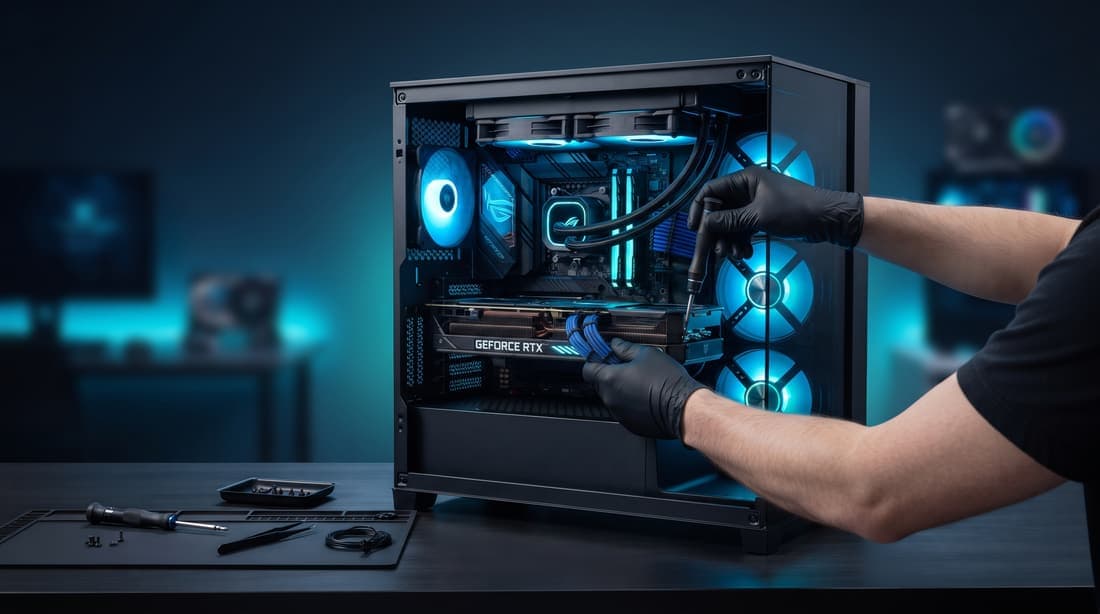
A graphics card is the most expensive part in most gaming PCs, so when the screen starts showing strange colors or games crash, the first thought is usually the worst one: "I need a new GPU."
Sometimes that's true. Often it isn't. Here's how the most common symptoms break down — what can be fixed, what can't, and what you can check yourself first.
Usually fixable
The fan rattles, grinds or doesn't spin
Graphics card fans wear out. A noisy or stopped fan makes the card overheat, slow down and eventually crash. Replacing the fans is a routine repair and the card is usually fine afterwards.
It runs hot and the games stutter
After a few years, the thermal paste between the chip and the cooler dries out and the thermal pads harden. The card gets hot, lowers its own speed to protect itself, and you lose performance without any error message. Cleaning, new paste and new pads usually bring it back to normal temperatures.
Crashes after a driver update
Black screens or games closing right after a driver update are often a software problem, not hardware. A clean driver reinstall fixes a surprising number of "broken" cards.
No display, but the PC is on
Before blaming the card, check the basics: is the monitor cable plugged into the graphics card and not into the motherboard? Are the power cables fully seated in the card? A loose power connector is one of the most common causes we find.
The power connector is scorched
On high-power cards, a connector that wasn't fully inserted can overheat and melt. Sometimes only the cable and connector are damaged; sometimes the damage reaches the card. It must be inspected before using the card again.
Sometimes fixable
Usually not worth repairing
When that's the situation, an honest technician tells you, and helps you pick a replacement that actually fits your power supply and case.
Check this before buying a new card
Repair or replace — we'll tell you which
We diagnose graphics card problems in gaming PCs across Thousand Oaks, Simi Valley, Camarillo, Moorpark, Westlake Village and Newbury Park. If it's a fan, paste, pads, a driver or a cable, we fix it. If the card is really done, we tell you before you spend anything, and we sell graphics cards too if you need one.
The diagnosis is $50 and is credited in full if you approve the repair. Gaming PC repair: https://quivaltech.com/services/pc-gaming
Call or text (805) 750-3255, or book at https://quivaltech.com