

If you just picked up the Rosewill CPU air cooler with the built-in digital display (model RWGCM2-51D) — maybe as the free gift that currently comes with the Ryzen 5 5500 + B550 motherboard + 16 GB Team Group RAM combo — you have probably hit the same wall we did: the screen lights up, but it never shows your CPU temperature.
The missing piece is a small companion app, and at the time of writing it is not linked on the product page or in the printed manual. We could not find it anywhere online, so we wrote to Rosewill support directly. They shared the official download link, we installed it on one of our own builds, and it works.
The official software download (confirmed working)
Rosewill support pointed us to their official links hub, and the display software for this cooler is there:
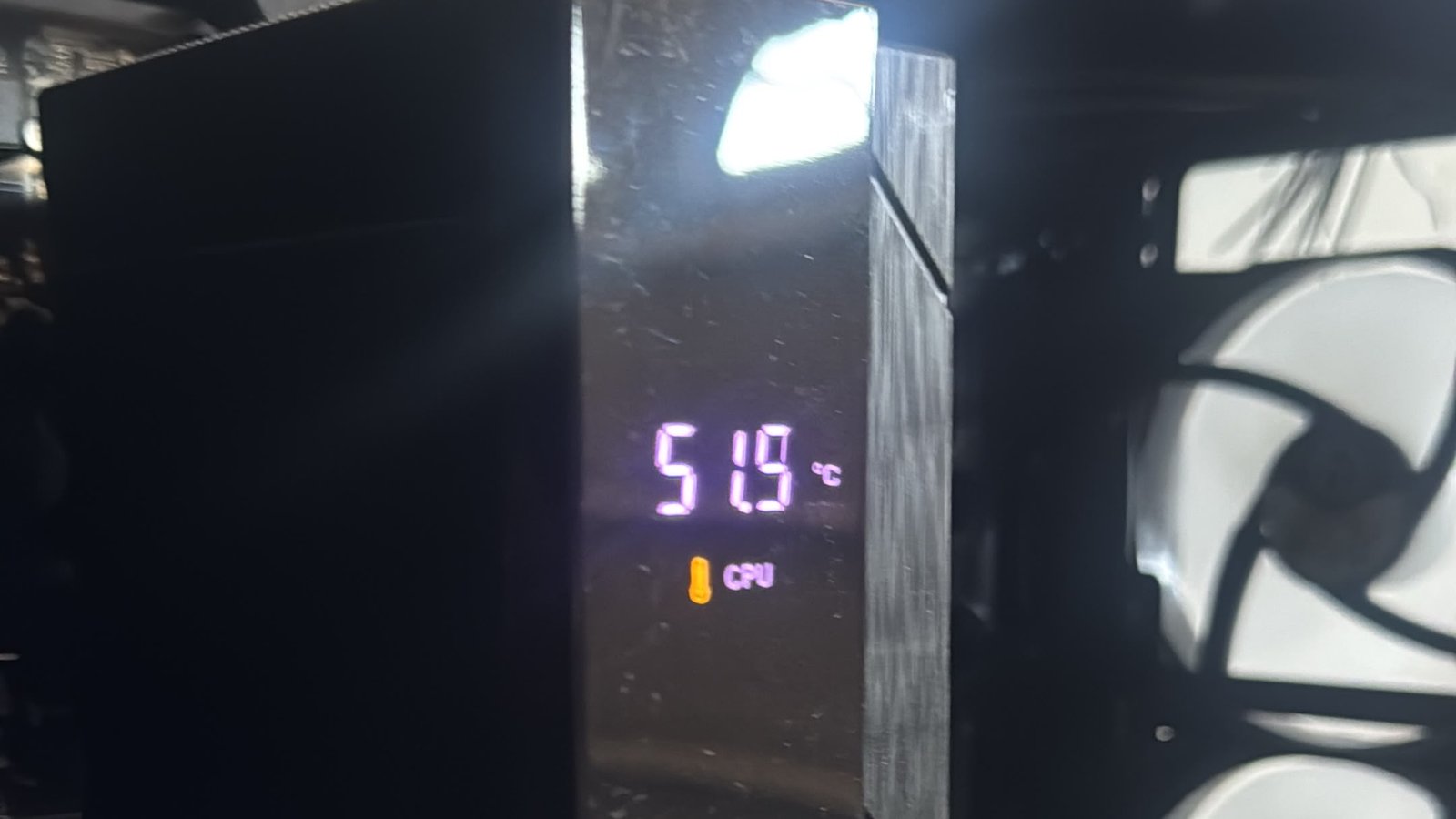
Download the display/temperature software from that page, install it, launch it, and the screen switches from the idle animation to your real CPU temperature. No third-party tools, no guesswork. Here is our own unit right after installing it, reading 51.9 degrees C live:
Quick setup checklist
RWGCM2-51D specs at a glance
Free with the Ryzen 5 5500 combo
Right now this cooler is being given away with the AMD Ryzen 5 5500 + B550 motherboard + 16 GB Team Group RAM bundle — a very solid base for a budget work or entry-level gaming PC. If you grabbed that combo, you already have everything you need: just use the link above and your temperature display will be working from day one.
Other Rosewill drivers and software on the same link
The same official Rosewill hub (https://linktr.ee/rosewillinc) is where the brand publishes downloads and pages for its other products. If you landed here looking for any of these, use that same link:
Want us to build it for you?
Quivaltech assembles custom PCs and installs upgrades in-home across Thousand Oaks and the Conejo Valley. If you would rather have your combo built, cable-managed, and delivered with the temperature display already running, book a visit with the form below — or reach out through our contact page.