
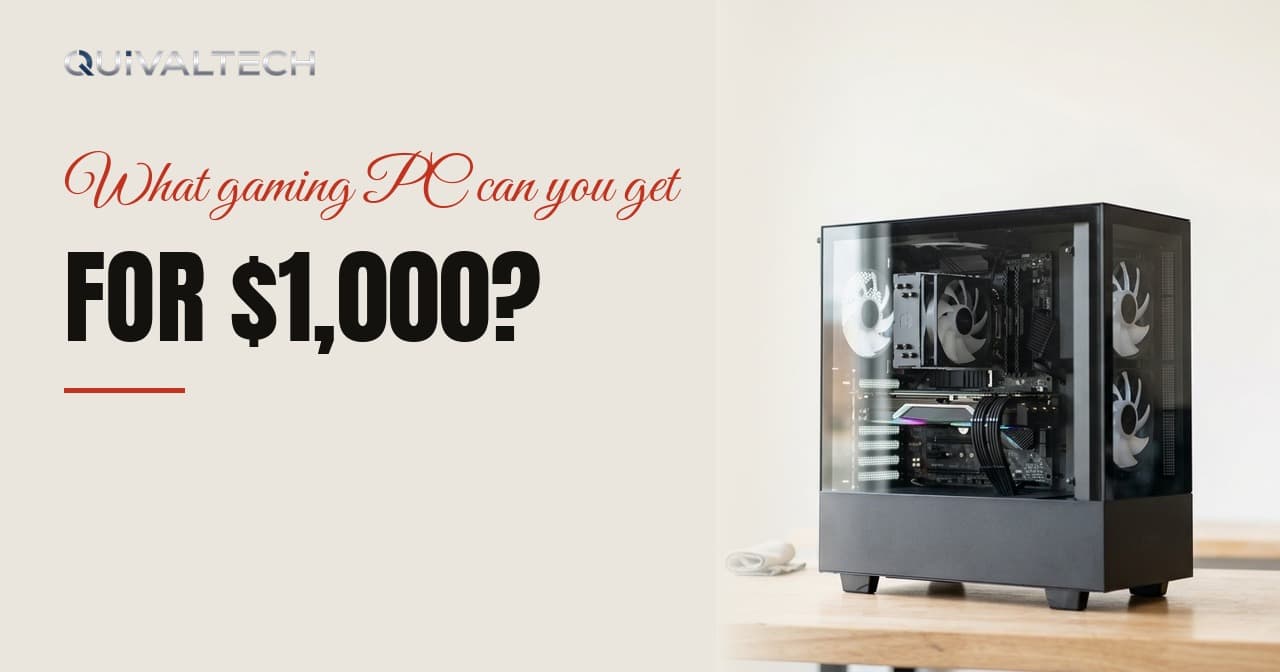
Yes, $1,000 builds a good gaming PC. What it builds depends entirely on what you're aiming at — and the most useful thing we can give you is not a parts list that expires in a month, but the method for splitting the money.
Decide the target first
1080p, high frame rate. Very comfortable at this budget. You can aim at high settings with frame rates suited to a fast monitor, and still put real money into the supporting parts.
1440p, 60-100 FPS. Achievable, with sensible settings. This is where $1,000 stops being generous and starts requiring decisions.
1440p at high refresh, or 4K. Not realistically at this budget for new parts. Something has to give: resolution, settings, or the budget.
Being honest about this at the start prevents the most expensive mistake of all — building for a target the money can't reach and being disappointed by a machine that's actually fine.
A sensible split
Rough proportions rather than fixed numbers, because prices move constantly:
Two notes. First, the graphics card share drops as the total budget falls, because the supporting parts have a floor — a $600 build cannot spend 40% on a GPU and still have a working power supply. Second, if you also need a monitor, that comes out of this total and changes everything.
The three mistakes that cost the most
1. Spending 55% on the graphics card. It leaves a power supply that's marginal, a board that limits the CPU, and a case that cooks everything. The result underperforms a balanced build at the same price.
2. Buying 500 GB of storage. Games are enormous. You'll spend the next year uninstalling things, and a nearly full SSD gets slower. The extra for 1 TB is one of the best value decisions in the whole list.
3. Forgetting the monitor. A powerful PC attached to an old 60 Hz panel delivers a fraction of what it could. If your screen is ten years old, moving some of the budget there will produce a bigger felt improvement than a GPU tier.
Where to save, where not to
Reasonable to save on: the case, as long as it has real airflow. Aesthetic lighting. Brand-name memory over equivalent-spec alternatives. A cooler bigger than your CPU needs.
Not worth saving on: the power supply, storage capacity, or memory configuration. These are the three that cost you later, either in performance or in a failure.
Build order matters too
If you can't afford everything at once, buy in this order: the parts that are hard to change later (case, power supply, motherboard) at the quality you'll want, then the parts that are easy to upgrade (GPU, storage, memory) at what you can afford today.
A good power supply and a board with spare slots mean your next upgrade is a single component rather than a rebuild.
Used parts: yes, carefully
A previous-generation graphics card from a private seller can stretch a budget considerably. Test it before money changes hands: run a benchmark, watch the temperatures, check the fans spin smoothly and the card is physically clean. Buy locally so you can do that.
Used power supplies, on the other hand, are a bad idea. They age, and they take other things with them when they fail.
How we do it
We build to order in Thousand Oaks. You tell us the budget, the games and the monitor, and we send the parts list before anything is bought — with an explanation of why each part is there and what we'd change if the budget moved up or down.
You approve it, we build and test it, and you collect it locally with the benchmark results in hand. No mystery components, and nothing bought until you've said yes.
If your budget is $1,000 and your target is 1440p at 144 Hz, we'll also tell you that honestly, and what it would actually take.