
Este artículo está disponible por ahora solo en inglés.
Building your own gaming PC sounds intimidating. It is not. Modern parts only fit together one way, and thousands of first-timers manage it every week.
What almost nobody gets right on the first attempt is the order — which part goes in before which, and which checks happen before you spend a single dollar. That is what this guide is about, and it is free to download: no email, no sign-up.
What is in the ten chapters
1. Plan the build first. Your monitor decides your machine, not the other way round.
2. The parts, explained. Eight components, and what each one actually does for you.
3. The compatibility checklist. Ten minutes that prevent the classic disaster.
4. Three complete builds, with prices checked this month.
5. Tools and workspace. Less than you think, but the right basics.
6. Step-by-step assembly, in the order that never makes you remove one part to reach another.
7. Cable management and airflow. Not vanity — temperatures, noise and part life.
8. First boot and BIOS. Including the free performance most people leave switched off.
9. Windows and drivers, in the sequence that avoids most of the "weird issues" threads.
10. Test, tune and maintain, while the return windows are still open.
The three builds
Real parts at real prices, as of September 2026:
A warning belongs alongside those numbers: this is an expensive market. Graphics cards sit well above launch prices and memory is dear. Treat the lists as blueprints and check live prices before ordering — and if a card is 40% over its launch price, wait or step down a tier. A fairly priced card beats an overpriced faster one every time.
The mistake we get called about most
An $800 graphics card paired with a $40 no-name power supply.
The power supply is the one part where saving money can cost you the whole machine: when a bad unit fails, it can take the motherboard and the graphics card with it. Spending forty dollars more on a quality unit is the cheapest insurance in the build.
The runner-up: one large stick of memory instead of two. It halves your memory bandwidth, and some of the frame rate you paid for goes with it. Always two sticks.
Two checks before you spend anything
Socket and memory generation. Ryzen 9000 is AM5. Core Ultra 200 is LGA1851. They are not interchangeable, ever. And your old DDR4 memory will not fit a current board — not physically, not electrically.
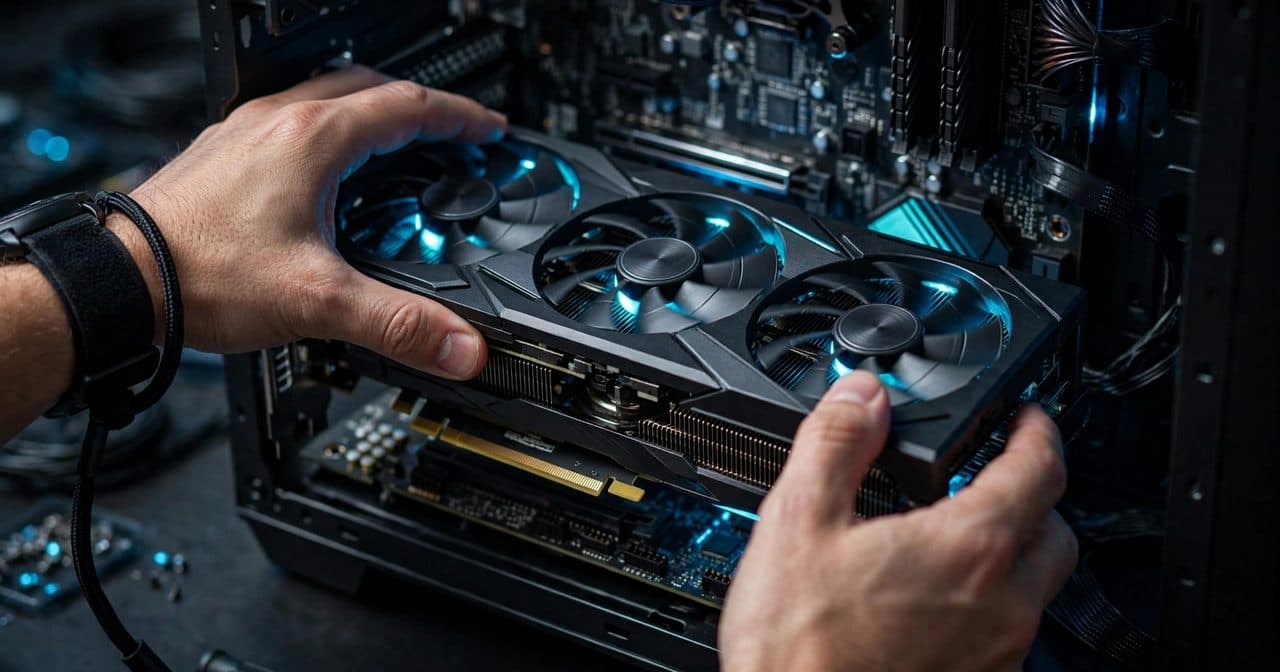
Length and height. The graphics card's length against the case's clearance, and the cooler's height against the case's limit. Triple-fan cards are long. Measure twice: a warning you ignore is a return label you will print later.
The guide has the full checklist, the power-supply maths, and the BIOS-version trap on boards older than the processor you are buying.
The two things that go wrong on first boot
Nearly every "it will not turn on" we get called out for is one of two things: the power supply's own switch is off, or the front-panel power button is connected to the wrong pins.
And nearly every "no display" is the monitor plugged into the motherboard instead of the graphics card.
If your board has debug lights, read them. CPU, DRAM, VGA and BOOT tell you exactly which part to look at. That is a feature, not a failure.
Why a PC builder gives away a build guide
Because some people want to build it themselves, and they should. They will enjoy it, they will understand their machine, and they will be able to upgrade it for years.
And when a build refuses to post at 11pm with parts spread across the dining table, they know who to text. We do rescue visits, and most "dead" builds need one cable reseated rather than new parts.
If you would rather not do it at all, that is the other thing we do: you approve the parts list, we assemble, tune and warranty the whole machine, at your home in Thousand Oaks and the Conejo Valley.
Either way — send us your parts list before you buy. We check compatibility for free, because we would rather spend five minutes now than rescue a build later.
Call or text (805) 750-3255. The download button is at the top and the bottom of this page.
También gratis: 10 problemas comunes del PC y cómo resolverlos en casa.