
The Adrenalin update loop on an RX 9070 XT is usually Windows Update putting an older graphics driver back on top of AMD's.
The fix: let Windows Update finish, temporarily turn off automatic device driver installs, wipe the old drivers with AMD Cleanup Utility in safe mode, then install the latest Adrenalin from amd.com.
If the installer shows Error 205, 202 or 1604, the steps below cover all three.
Steps
1. Let Windows Update finish first. Type "Windows Update settings" in the taskbar search. If an update is installing, wait for it to finish and restart; if a restart is pending, restart now. AMD's installer stops with Error 202 while an update is running, and AMD Cleanup Utility closes itself too.
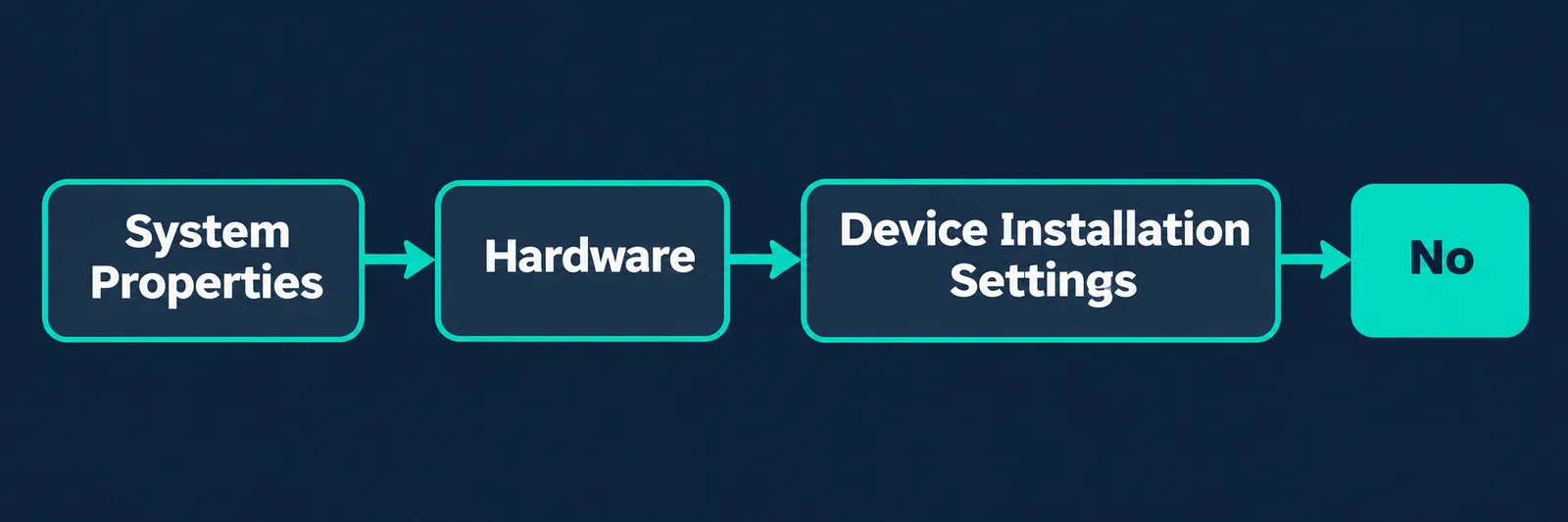
2. Temporarily stop Windows from installing device drivers. This is what AMD recommends for Error 205 ("Windows Update may have reverted your driver"). Type sysdm.cpl in the taskbar search and press Enter. In System Properties, open the Hardware tab, click Device Installation Settings, choose No, click Save Changes and restart.
Warning: the next step removes every AMD graphics and audio driver and AMD Software. Save your work first: it restarts the PC, the screen may flicker or go black for a moment, and it can take 15-20 minutes. Do not turn the PC off while it runs.
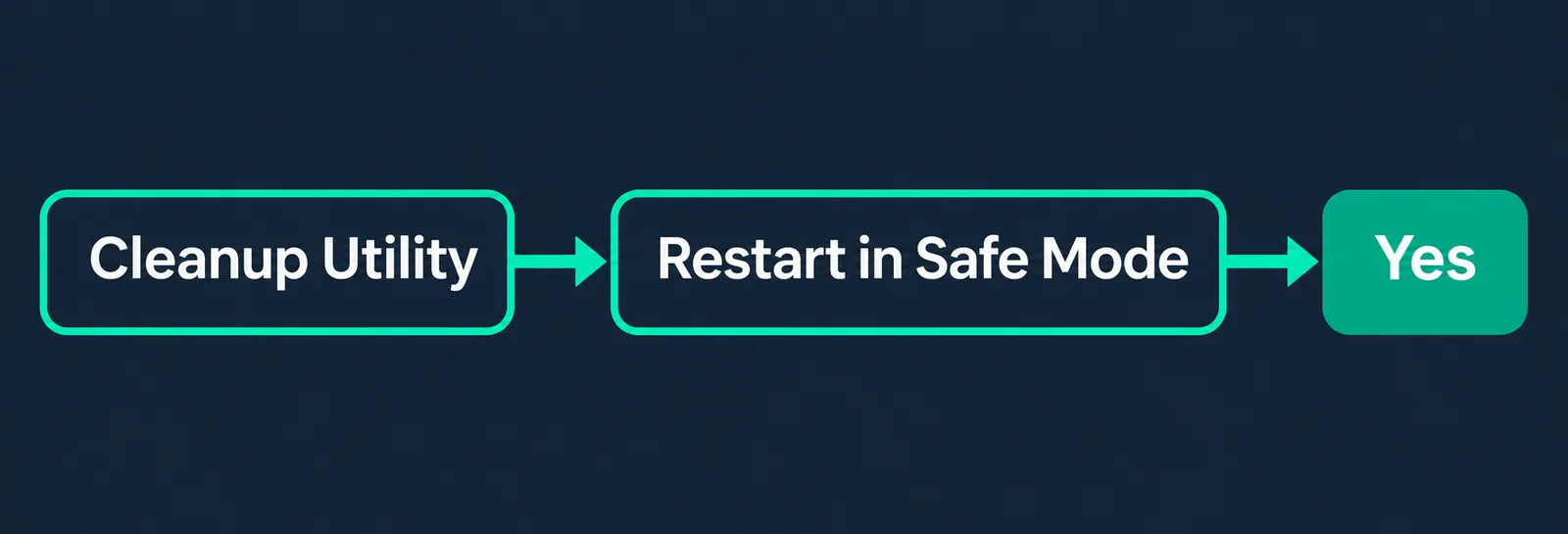
3. Run AMD Cleanup Utility. Download it from AMD's Cleanup Utility page and open amdcleanuputility.exe. When it asks about safe mode, click Yes (AMD recommends safe mode for best results), then OK to start. If it seems stuck, don't launch it again; give it time. When it finishes, click View Report if you want to see what it removed, then Finish, and Yes to restart (the restart is required). It does not touch AMD chipset drivers, and it creates a restore point first.
4. Download the current Adrenalin from amd.com. Use AMD Auto-Detect and Install, or pick your card manually in the product selector on AMD's drivers page (Graphics → Radeon RX 9070 XT → Windows). Take the newest version listed there, not an old installer saved on the PC or the disc in the box.
5. Install it. Close open programs and temporarily disable antivirus, firewall, remote-access and streaming apps, as AMD suggests. Open the file, click Yes to unpack it (keep the default folder), accept the license agreements and click Accept & Express Install. The screen may flicker. Click Close when it's done, then turn your antivirus and firewall back on.
6. Turn device installation back on once everything works. AMD's fix is meant to be temporary: when the driver has been stable for a few days, you can set it back to Yes using the same path from step 2.
Good to know: AMD's own release notes for Adrenalin 25.3.2 list a fix for Windows Update overwriting Adrenalin with an older graphics driver on Radeon RX 9000 cards. If you still see the loop, it's usually because an old Adrenalin version was installed, or Windows put its own driver in first on a new PC.
If it still doesn't work
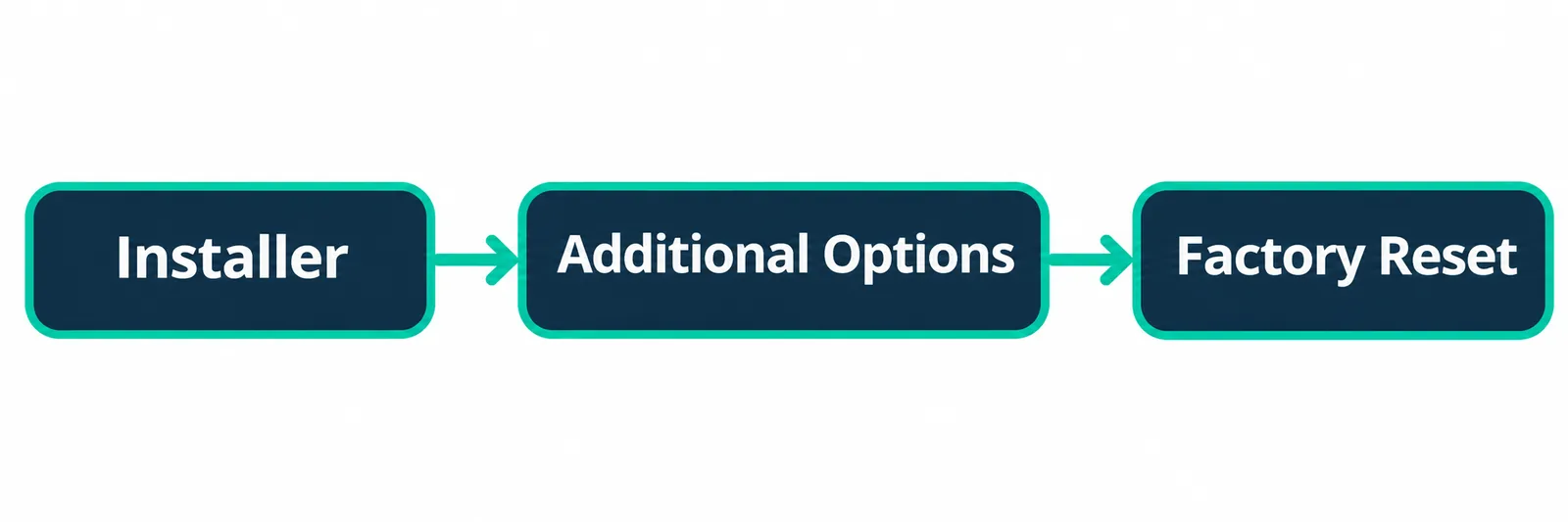
C:\Program Files\AMD\CIM\Log\Install.log.Frequently asked questions
Why does AMD Adrenalin keep asking me to update?
Usually because Windows Update installed an older graphics driver over the one Adrenalin installed, so Adrenalin sees a mismatch and offers the update again. Turning off automatic device driver installs temporarily and reinstalling clean breaks the loop.
What is AMD Error 205 "Windows Update may have reverted your driver"?
It means Adrenalin installed correctly, but Windows Update may have replaced the AMD graphics driver during the process. AMD's fix is to temporarily disable Device Installation Settings in System Properties and reinstall the AMD Software package.
Does AMD Cleanup Utility remove chipset drivers?
No. AMD says it removes AMD graphics and audio drivers and software only, and does not remove or modify AMD chipset drivers.
Should I run AMD Cleanup Utility in safe mode?
Yes. The tool offers to restart in safe mode when you open it, and AMD recommends that option for best results.
How long does AMD Cleanup Utility take?
Up to 15-20 minutes, depending on how much it has to clean. The screen may flicker or go blank for a moment; that's normal.
How do I stop Windows Update from replacing my AMD driver?
Type sysdm.cpl in the taskbar search, go to Hardware → Device Installation Settings, choose No and save. Turn it back on once your AMD driver is stable.
Still not working? We'll diagnose it in Thousand Oaks
If the loop won't go away or the card keeps crashing, book a diagnosis or call (805) 750-3255. We test the graphics card, drivers and Windows in person in Thousand Oaks. If you're building or upgrading, see our custom gaming PCs, like our Ryzen 9 7900X3D + RX 9070 XT build, and the parts in our shop.
Sources
Tested on 2026-11-04.